
Want a quick, safe way to download YouTube videos or extract MP3/M4A? SnapYT lets you paste a link or search keywords/@handles/#hashtags, then pick your preferred quality (SD/HD/1080p/4K*) — no account needed. If a video’s audio is separate, our preview can merge video+audio before download.
YouTube Video Downloader · YouTube MP3 Downloader · YouTube Shorts Downloader · How-to · Features · Supported · Troubleshoot · FAQ
Step-by-Step: Download YouTube Videos as MP4 or MP3
The workflow is simple: Paste a link or search → Pick the right result → Choose format/quality → Download. For music or podcasts, switch to audio-only (MP3/M4A) when shown.
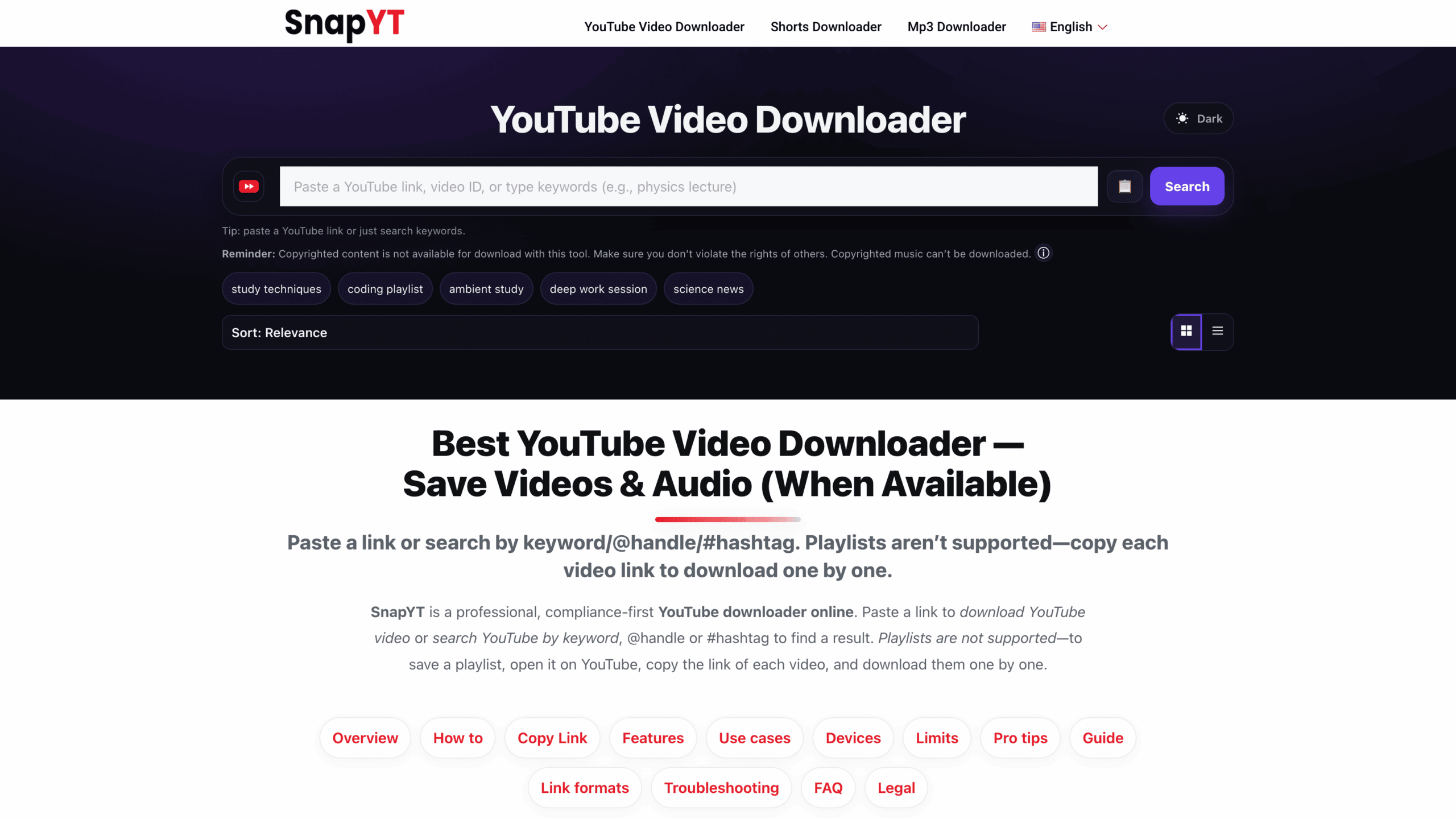
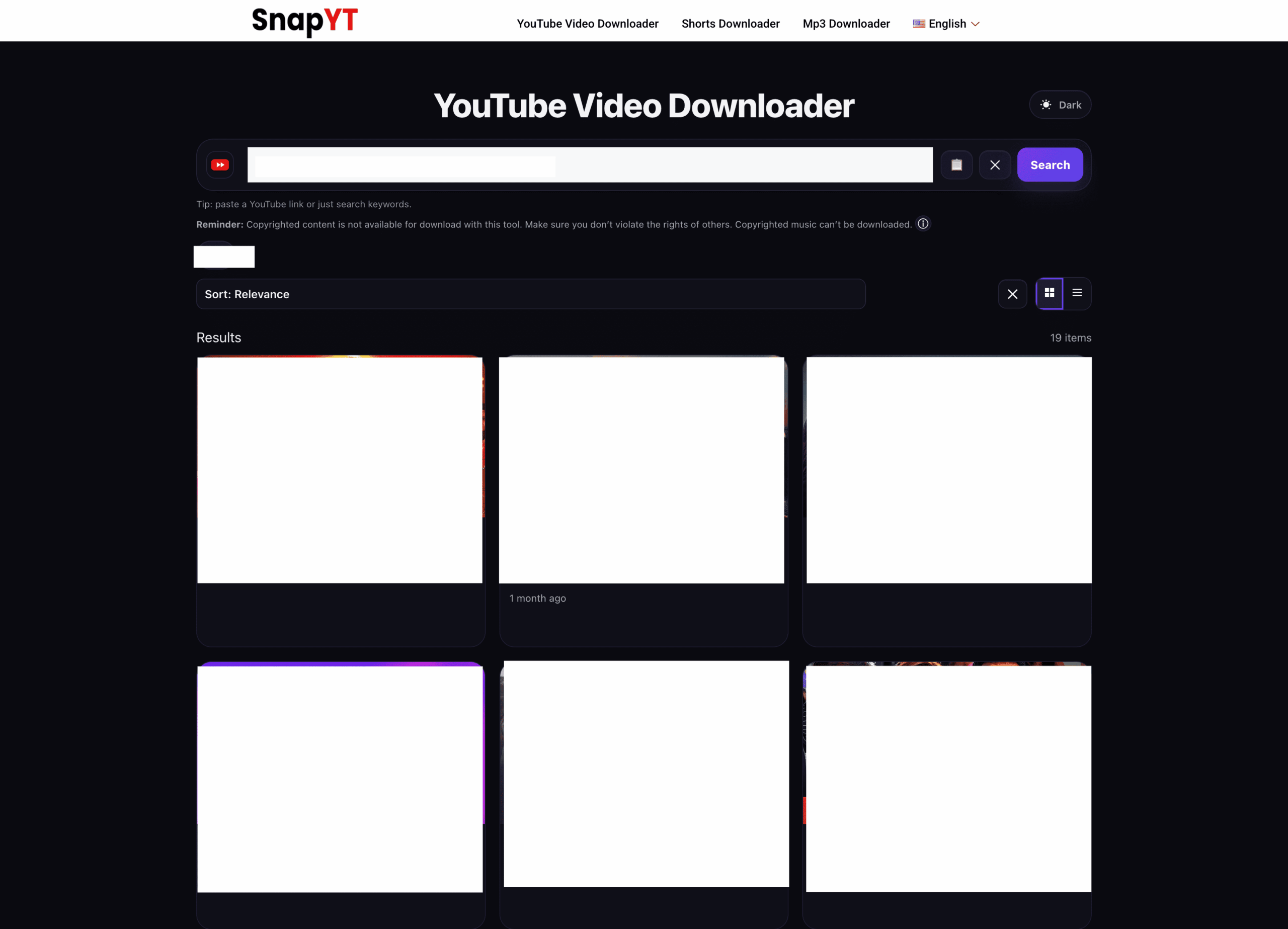
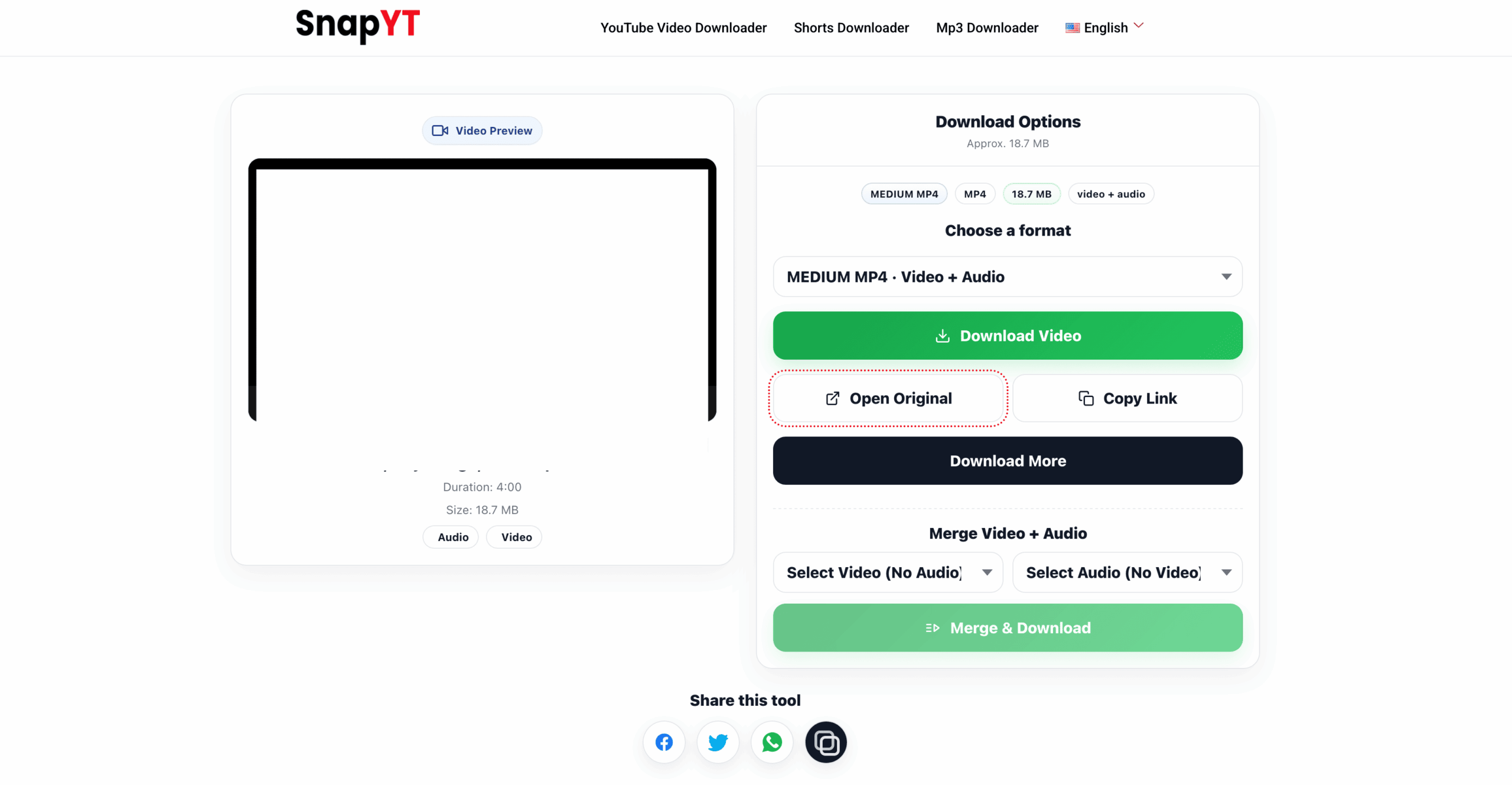
*4K appears only if provided by the original video. We mirror the source and do not upscale.
Download Exactly What You Need: Video, Audio-Only, and Shorts
Videos: Choose the highest MP4 quality shown (1080p/4K* for big screens, HD for faster, lighter files on mobile).
Audio-only: For music or podcasts, switch to YouTube MP3 downloader (MP3/M4A when available).
Shorts: Short-form videos download like regular clips. For a focused flow, use the YouTube Shorts downloader.
How to Copy a YouTube Link on Desktop & Mobile
On desktop: Open the video on youtube.com, then copy the full URL from your browser’s address bar, e.g.
https://www.youtube.com/watch?v=VIDEO_ID.
On the YouTube app: Tap Share → Copy link. Return to snapyt.app and paste it.
Also supported: Many youtu.be short links, channel/@handle results, and hashtag searches. Private or paid content is not supported.
Note: Links with tracking parameters are OK — we’ll resolve the canonical video when possible.
Why Use SnapYT?
- Original quality — Save videos in SD/HD/1080p/4K* exactly as uploaded.
- Audio-only — Extract MP3/M4A when available via the YouTube MP3 downloader.
- Video+Audio merge — Combine separate streams right on the preview page.
- Fast & free — Paste → preview → download in seconds on snapyt.app.
- All devices — iPhone, Android, Windows, macOS; Chrome, Safari, Firefox, Edge.
- Privacy-friendly — No login; temporary processing only. We don’t add watermarks.
Supported Content & Devices
- Public YouTube videos and Shorts (where accessible).
- MP4 downloads in available source resolutions (SD/HD/1080p/4K*).
- Audio-only (MP3/M4A) when available for the video/region.
- Channel/keyword/@handle/#hashtag search that leads to a video preview.
- iOS (Safari/Chrome), Android (Chrome), Windows & macOS.
- Desktop browsers: Chrome, Firefox, Edge, Safari. No app or extension required.
If a video opens in a new tab, use Save video as… (desktop) or tap the system Download prompt on mobile.
Troubleshooting & Pro Tips
No audio? Pick a combined video+audio option if shown — some streams are split by design.
No HD/4K option? We mirror what the original video provides. If only SD appears, the source wasn’t uploaded in HD.
Download opens instead of saving? On desktop, right-click the player → Save video as…. On mobile, accept the system download prompt.
Where’s my file? Check your browser’s Downloads folder. On iOS/iPadOS, open the Files app → Downloads.
Safety, Copyright & Fair Use Notice
SnapYT is for personal, permitted use. Only download content you own or have permission to use, and always follow YouTube’s Terms of Service and applicable laws. Private/paid content and DRM-protected streams aren’t supported. You are responsible for how you use downloaded files.
Copyright Disclaimer
SnapYT is an independent tool and is not affiliated with, endorsed by, or sponsored by YouTube or Google LLC. “YouTube” and the YouTube logo are trademarks of Google LLC. All videos, thumbnails, titles, and other media remain the property of their respective owners. Any downloads are provided solely for personal, time-shifting/offline viewing where you own the rights or have explicit permission. SnapYT does not host or archive third-party content, does not circumvent DRM or other technical protection measures, and cannot provide access to private, paid, or otherwise restricted videos.
FAQs: YouTube Video Downloader — MP4, HD/4K, MP3
Can I get Full HD or 4K?
Yes—if the original video includes HD/1080p/4K, you can save in the same quality. We never upscale.
Does this work with private or paid videos?
No. Only publicly accessible videos are supported. Private, paid, or DRM-protected content isn’t supported.
Can I download audio-only?
When available, choose MP3/M4A on the preview page or use the dedicated YouTube MP3 downloader.
Why does a saved video have no sound?
Some YouTube streams are split (video only). Select a combined video+audio option or use merge on the preview page.
Where do downloads go on my device?
Usually your browser’s Downloads folder. On iPhone/iPad (iOS 13+), see Files → Downloads.
Why don’t I see HD/4K options?
Higher resolutions appear only if provided by the source. We mirror the original quality.
Does SnapYT support YouTube Shorts?
Yes. Shorts download like regular clips. Or use the Shorts downloader flow.
Can I search by keywords and @handles?
Yes. Enter keywords, @channel handles, or hashtags on the home page, then select the correct result to open preview.
Is SnapYT free to use?
Yes. snapyt.app is free and requires no registration.
Is it legal to download YouTube videos?
Only download content you own or have permission to use. Always follow YouTube’s Terms of Service and applicable copyright laws.