
Want a quick, safe way to download YouTube to MP3 for offline listening, study notes, or personal archiving? SnapYT lets you paste a video link or search by keywords/@handles/#hashtags, then save audio-only as MP3 or M4A (when available). No account required — privacy-friendly and fast.
YouTube MP3 Downloader · How-to · Features · Copy Link · Supported · Troubleshoot · FAQ
Step-by-Step: Convert YouTube to MP3 (or M4A)
The flow is simple: Paste video link or search → Pick the video → Choose MP3/M4A → Download. If both MP3 and M4A are shown, pick the format that best fits your device/app.
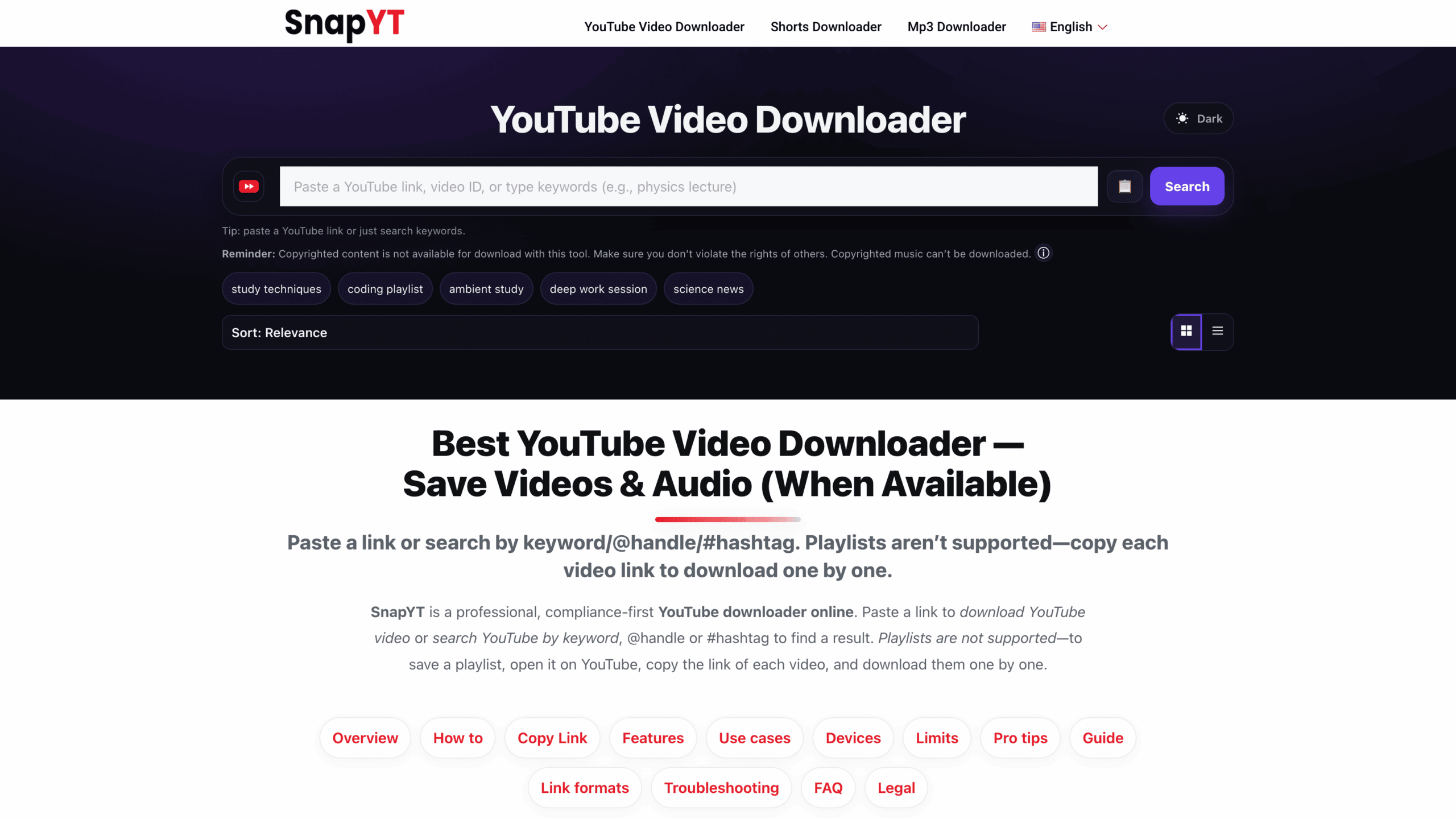
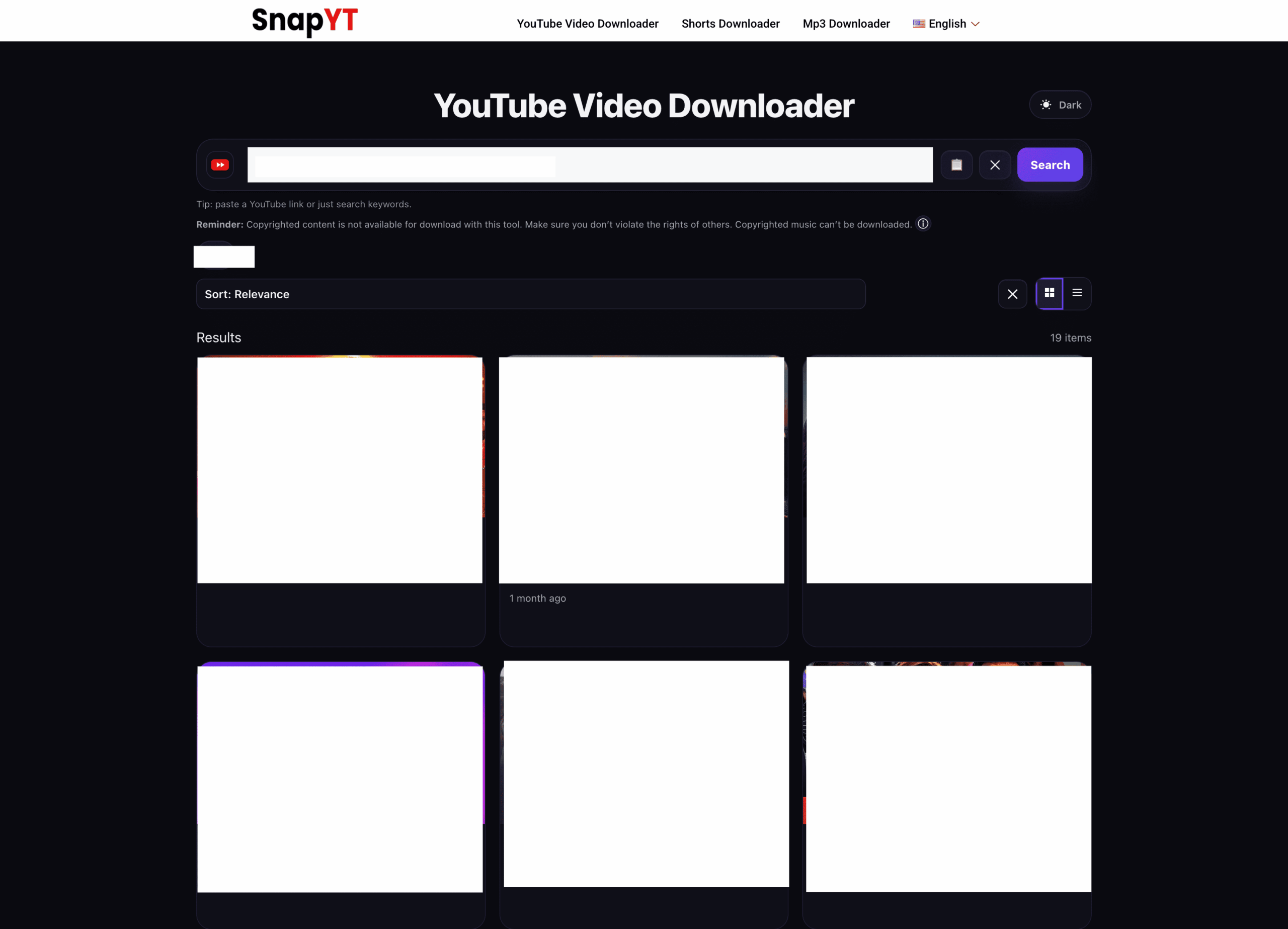
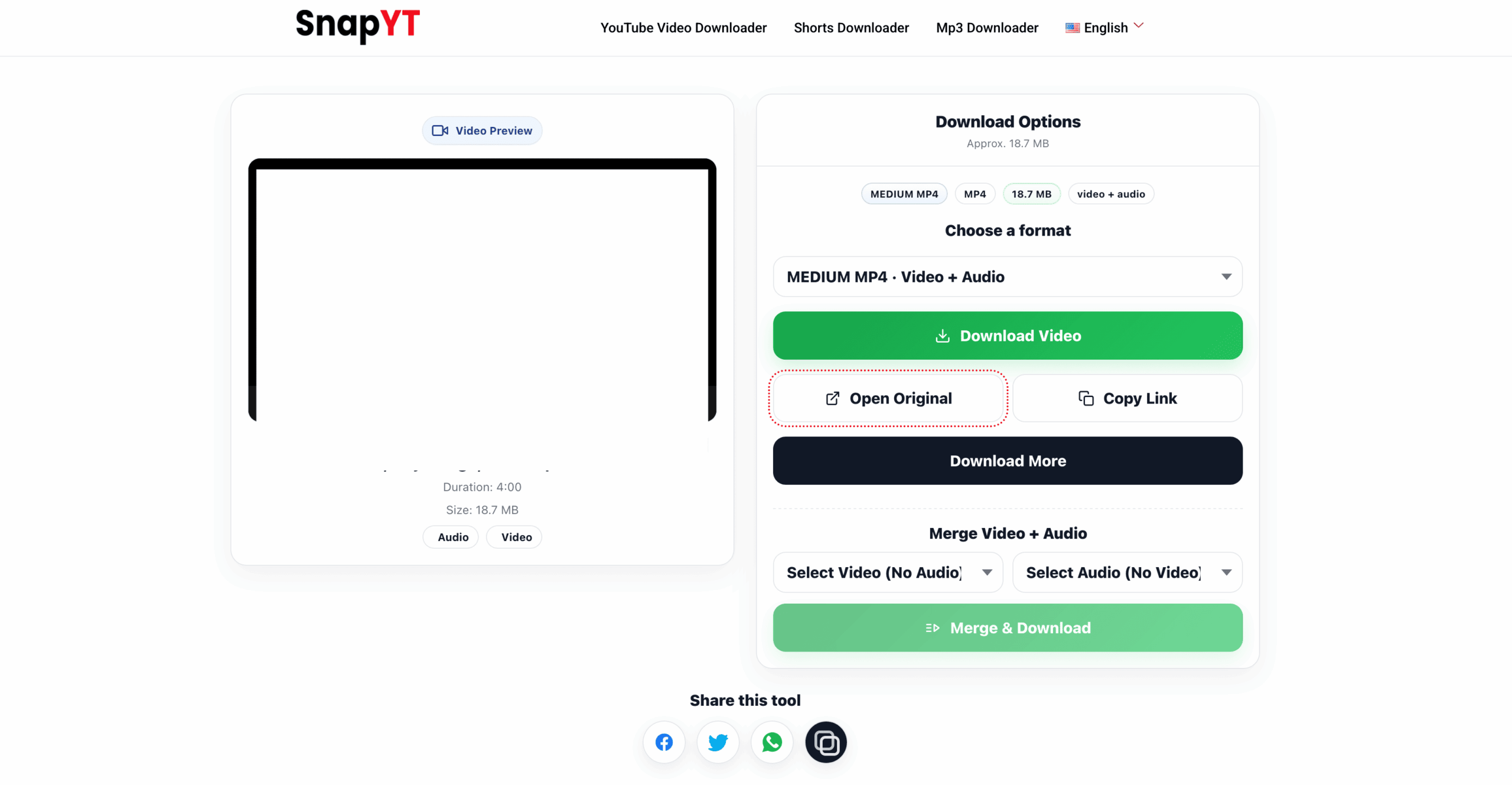
*Audio quality is limited to the original stream. We mirror source quality and never “fake” higher bitrates.
Get the Best Results with YouTube to MP3
Prefer higher bitrates: If options appear (e.g., ~128 kbps vs higher), pick the higher one for richer sound.
MP3 vs M4A: Many YouTube audios are AAC/M4A. If MP3 isn’t shown, M4A is typically the original and plays on most devices.
Respect creators: Use downloads only for personal, permitted use. Don’t re-upload or distribute without permission.
How to Copy a YouTube Link (Mobile & Desktop)
On the YouTube app: Open the video → tap Share → Copy link → return to snapyt.app and paste.
On desktop: Open the video at https://www.youtube.com/watch?v=VIDEO_ID → copy from the browser address bar.
Note: Shortened links (e.g., youtu.be) generally work. Shorts links are supported—audio will be extracted when available.
Why Use SnapYT for YouTube MP3?
- Audio-first experience — Optimized for fast MP3/M4A saves.
- Original quality — Up to the highest source bitrate available.*
- Easy search — Keywords, @handles, #hashtags to find the right video.
- Clean output — No watermark (audio-only) and no login required.
- Fast & free — Paste → preview → download in seconds on snapyt.app.
- Privacy-friendly — Temporary processing; we don’t archive your files.
Supported Content & Devices
- Public YouTube videos (music, podcasts, lectures, etc.) where audio is accessible.
- Audio-only MP3/M4A when available for the video/region.
- Shorts audio extraction when the source provides an audio stream.
- Search by channel, keyword, @handle, or #hashtag to reach preview.
- iOS (Safari/Chrome), Android (Chrome), Windows & macOS.
- Desktop browsers: Chrome, Firefox, Edge, Safari — no app or extension needed.
If a file opens in a player tab, use Save as… (desktop) or accept the system Download prompt on mobile.
Troubleshooting & Pro Tips
Only M4A shown? Many videos provide AAC/M4A as the native audio. Choose M4A — it plays on most devices and preserves quality.
No audio options? Try a different quality in the selector, or re-fetch the video. Some content types (e.g., certain lives) may limit audio availability.
Download won’t save? On desktop, right-click the audio player → Save audio as…. On mobile, accept the download prompt or “Save to Files”.
Playlist support? Download items one by one to respect source limitations and creator rights.
Safety, Copyright & Fair Use Notice
SnapYT is for personal, permitted use. Only download audio you own or have permission to use, and always follow YouTube’s Terms of Service and applicable laws. Private/paid content and DRM-protected streams aren’t supported. You are responsible for how you use downloaded files.
Copyright Disclaimer
SnapYT is an independent tool and is not affiliated with, endorsed by, or sponsored by YouTube or Google LLC. “YouTube” and the YouTube logo are trademarks of Google LLC. All videos, audio, titles, and other media remain the property of their respective owners. Downloads are provided solely for personal, time-shifting/offline listening where you own the rights or have explicit permission. SnapYT does not host or archive third-party content, does not circumvent DRM or other technical protection measures, and cannot provide access to private, paid, or otherwise restricted videos.
FAQs: YouTube to MP3 — Audio-Only, Bitrate & Devices
Can I download MP3 in high quality (e.g., 256–320 kbps)?
Audio quality depends on the source stream. Choose the highest bitrate shown; we mirror the original and never fake higher bitrates.
Why do I see M4A instead of MP3?
YouTube often provides AAC/M4A as the native audio. If MP3 isn’t listed, M4A is typically the best-available original and plays on most devices.
Does SnapYT add watermarks or modify the sound?
No watermark is added to audio. We aim to preserve original quality; any conversions depend on available streams.
Can I convert Shorts to MP3?
Yes, when the Short includes an audio stream. If audio isn’t present, try another format or a different source.
Is downloading music from YouTube legal?
Only download audio you own or have permission to use. Always follow YouTube’s Terms of Service and your local laws.
Can I download an entire playlist as MP3?
Download items one by one to comply with source limitations and respect creator rights.
Where do MP3/M4A files save on my device?
Usually your browser’s Downloads folder. On iPhone/iPad (iOS 13+), see Files → Downloads.
Does SnapYT work on iPhone and Android?
Yes. Use Safari/Chrome on iOS and Chrome on Android. No app or extension is required.
Is SnapYT free to use?
Yes. snapyt.app is free and requires no registration.
Will metadata (title/artist) be included?
Metadata availability depends on the source. If present, it may be preserved; otherwise, you can edit tags locally after download.